Skip to content

A magazine of your saved readingFree as a PDF and on KindlePrinted at cost, no subscription

A magazine of everything you meant to read.

Save articles all week. Weekend Folio sets them as your own magazine, with a cover, a contents page and real columns.


Feature32 pages

Folio48 pages

Margin40 pages

How it works

Save all week. Read on the weekend.

  1. harbourandtide.example/last-ferrySave
    • What the Night Train Knows21 min
    • In Praise of Small Rooms18 min
    • A Short History of the Paperback12 min

    01Save

    Paste a link, drop a PDF, or text it from your iPhone. Articles, newsletters and long posts on X all work.

  2. 7 stories set34 of 48 pages

    02Make

    The next issue makes itself as you save: a cover, sections, a contents page with page numbers, and every story in columns. Every story ends with a QR code to the original.
  3. 03Read

    The PDF and the Kindle edition are free. For paper, you see the printer’s quote for that issue and your address, and pay for that one copy.

The designs

Six designs. Your name on every one.

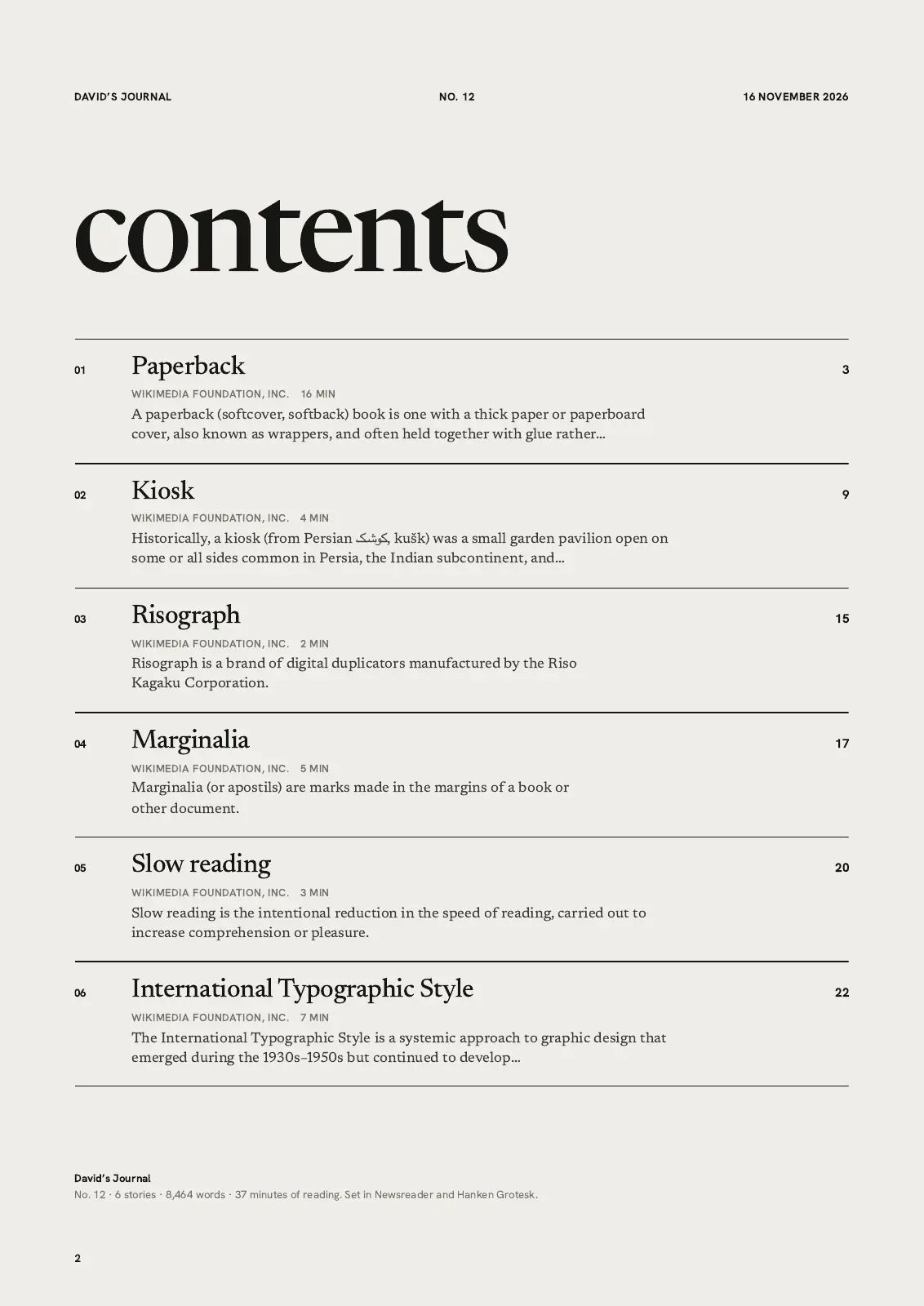
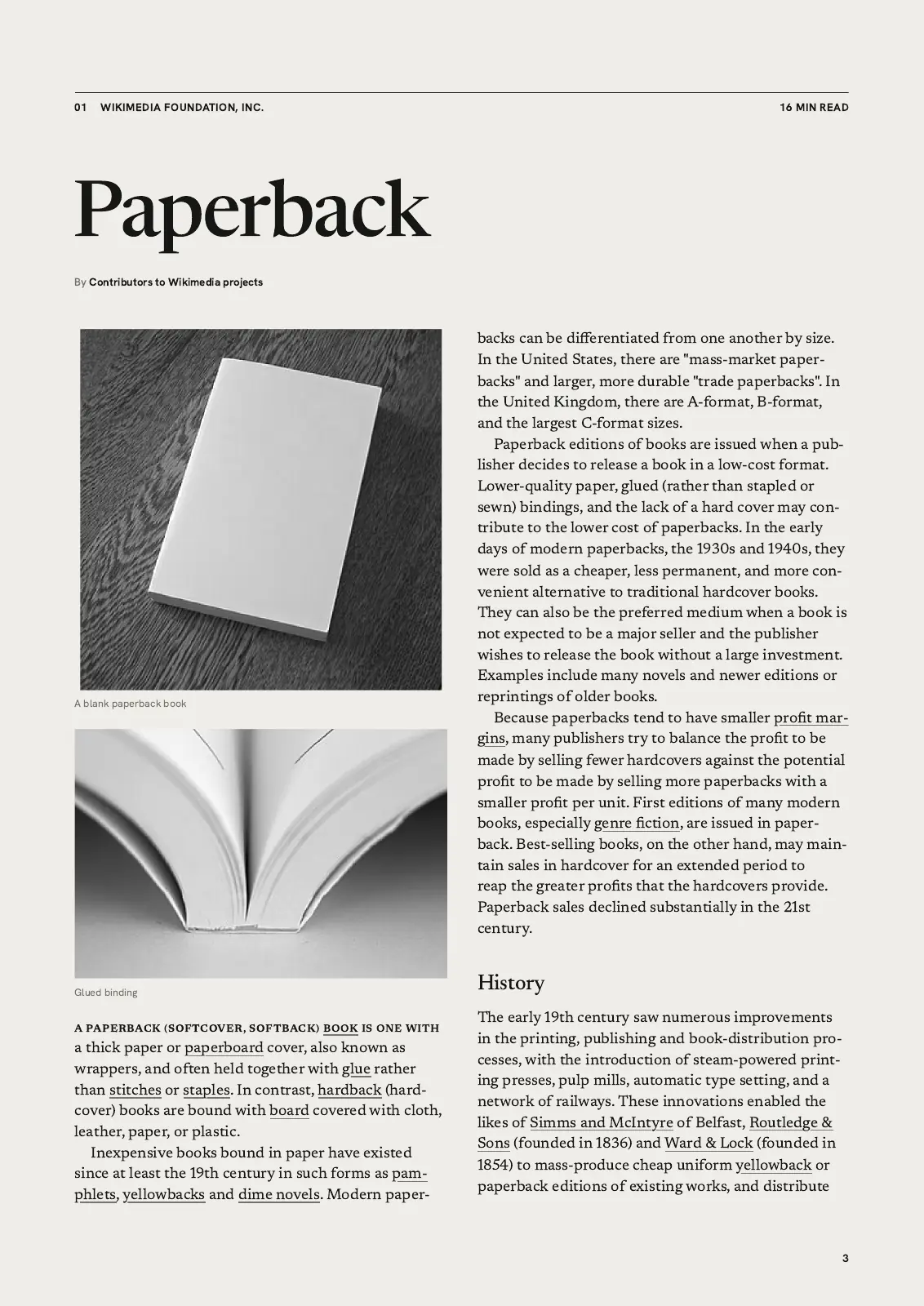
Choose a design for each issue. The whole issue follows it, from the cover to the last page. Choose one here to turn its pages.

A sample issue · FolioClick a page, or use the arrow keys

The sample issue is six Wikipedia articles (CC BY-SA 4.0).

The price

Reading is free. Paper costs what paper costs.

For a printed issue you pay Cloudprinter’s quote for printing, shipping and supplier tax. We add nothing.

ReaderNo card needed

Free

  • Save links on the web and by iMessage
  • All six designs
  • Every issue as a PDF
  • Every issue on your Kindle
Start free

Printed issueOne copy, A4

At cost

Printing
the printer’s price
Shipping
the carrier’s price
Supplier tax
as charged
Our markup
€0.00
Print your first issue

There is no subscription and no schedule. You decide when an issue is finished, and you see its live quote before anything is printed. Where we can deliver, and for how much, depends on your address.

Good to know

Questions.

Not answered here? Write to hello@weekendfolio.com.

Which sites work?

Most articles on the open web: newspapers, magazines, blogs and newsletters with a web version. Long posts on X work too, and so do PDFs. Pages that you can only read after you sign in or pay usually cannot be saved, because we only see what is public.

How many articles go into an issue?

As many as you select. A printed issue reads well at about 22,000 words, which is 45 to 60 A4 pages in most designs.

What paper size is it?

Every printed issue is A4 (210 × 297 mm), the size of a large magazine. When you download the PDF, you can choose A4 or US Letter.

Can I change the design?

Yes. There are six designs: Folio, Feature, Poster, Margin, Still and Grid. You can choose a different one for each issue.

How do I pay for printed issues?

Open your next issue, review its live quote, and pay for that copy: on a Stripe page, or with a card you saved in Settings. With a saved card you can also print from iMessage: the assistant tells you the price, and charges your card only after you say yes. You pay Cloudprinter’s print and shipping costs, including supplier tax, with no markup. There is no subscription.

Where do you deliver, and how long does it take?

We use Cloudprinter’s worldwide delivery network. Available destinations and shipping services are checked with a live quote for your issue and address. Each copy is printed after you pay, then sent by post or courier. Timing varies by destination and service. Your account shows the order’s progress, and tracking when it is available.

Do I need an iPhone?

No. You can paste links from any browser. iMessage is one more way to save links from your phone.

What about my privacy?

Your saved stories are private to your account. We use the links you save to make your magazine. The QR code at the end of each story links only to the original article. The privacy policy has the details.

Start this weekend

Close the tabs.
Open the magazine.